Talk to an Expert

SportCam
Drone

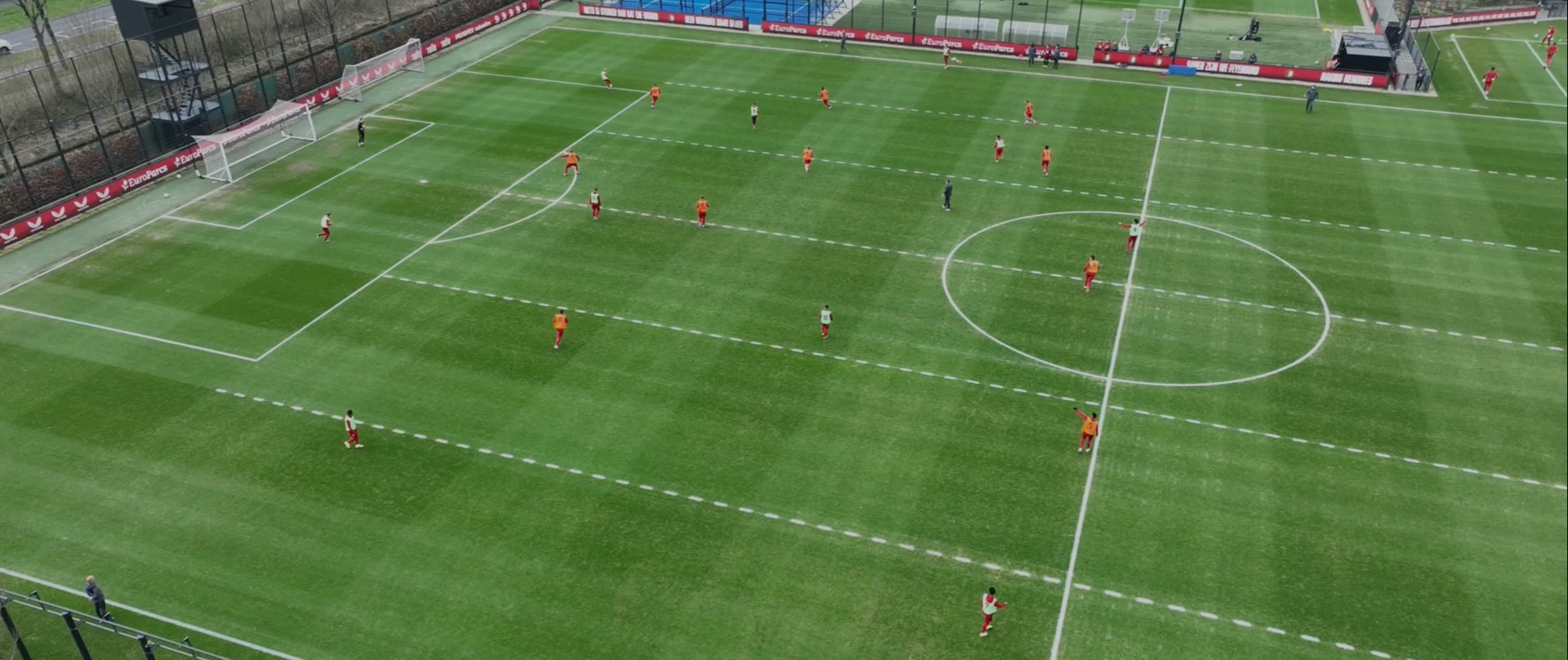
Tactical bird’s-eye perspective for ultimate flexibility

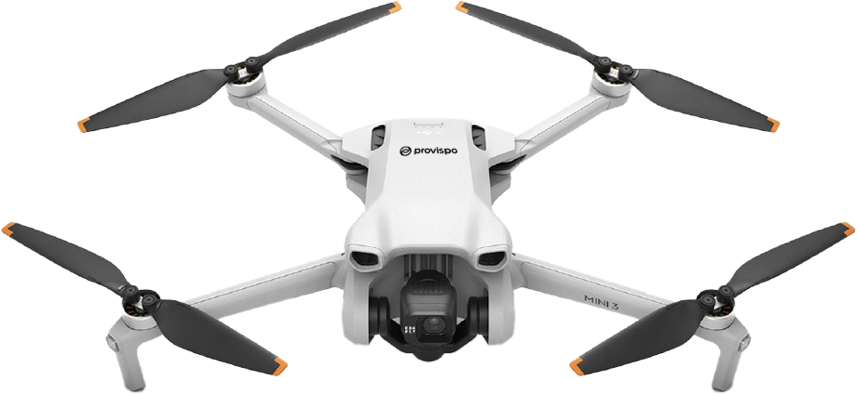
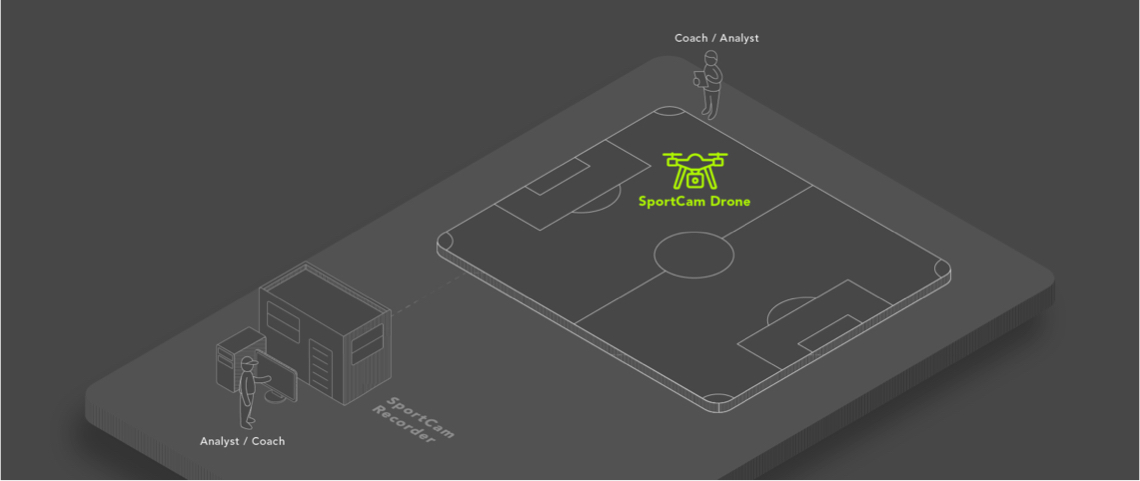
The SportCam Drone provides coaches and analysts with a dynamic aerial view of the pitch, delivering unmatched tactical insight from above. Capturing footage from a stable height, this solution offers a complete overview of team shape, spacing, pressing patterns, and transitions - ideal for both training and match analysis.

Whether you’re analysing positioning drills, set pieces, or full matches, the SportCam Drone is a flexible tool that can be deployed anywhere, especially where no fixed infrastructure is available. It integrates seamlessly with the SportCam Recorder software, allowing for live preview, recording, and tagging.

Tactical View

SportCam Recorder Server

SportCam Recorder is concept that calibrates the captured videos and sends signals to cameras how and when to move. Calibration is necessary also for distance, position and speed measurements directly from the video. This part of our concept is controlled by an application (user interface) which is preinstalled on the workstation.
System Offers Following Functions

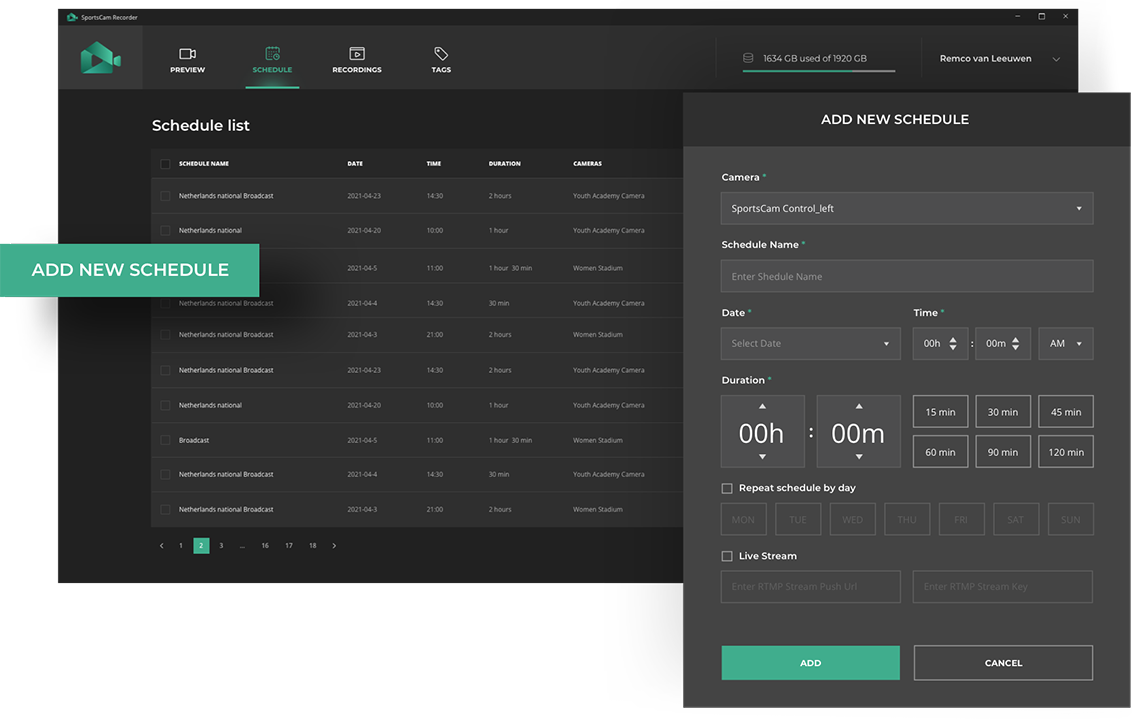
1. Scheduler

User can define recording times, when the system automatically records video from all cameras.

1. Scheduler
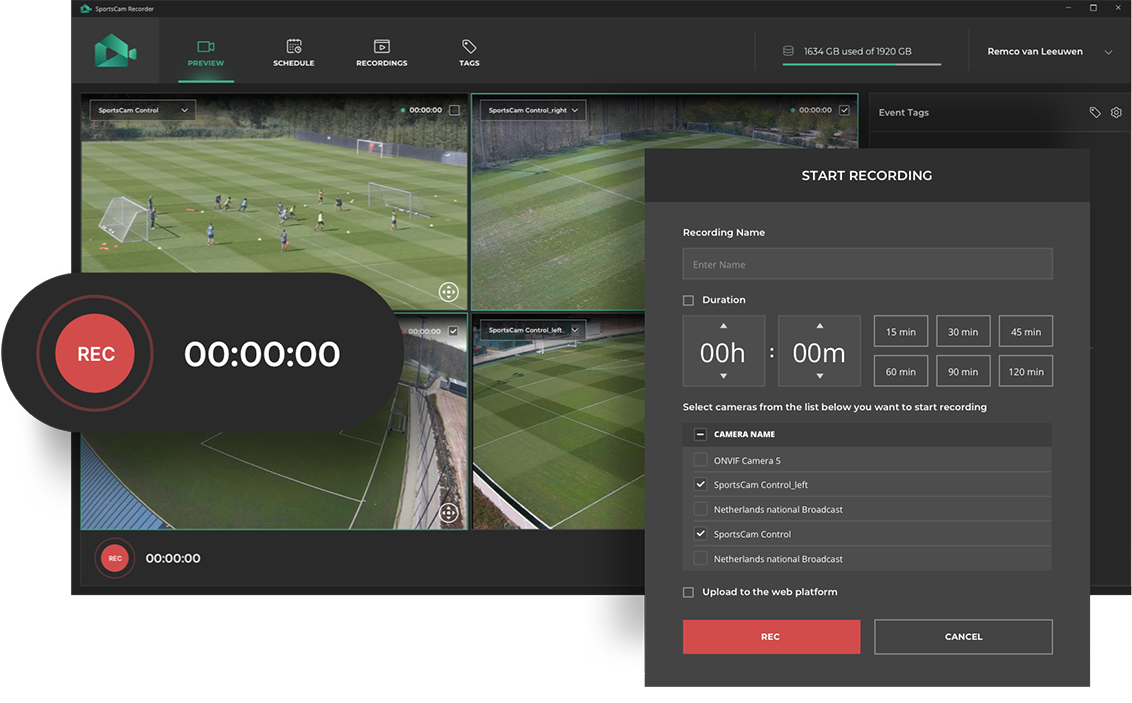
2.Recording

2.Recording

System is recording source video from two cameras capturing left and right part of the pitch from the side. Source video is stored on local disk of the PC workstation in dedicated directory. System is able generate one extra output video during the recording.

3. Local Storage

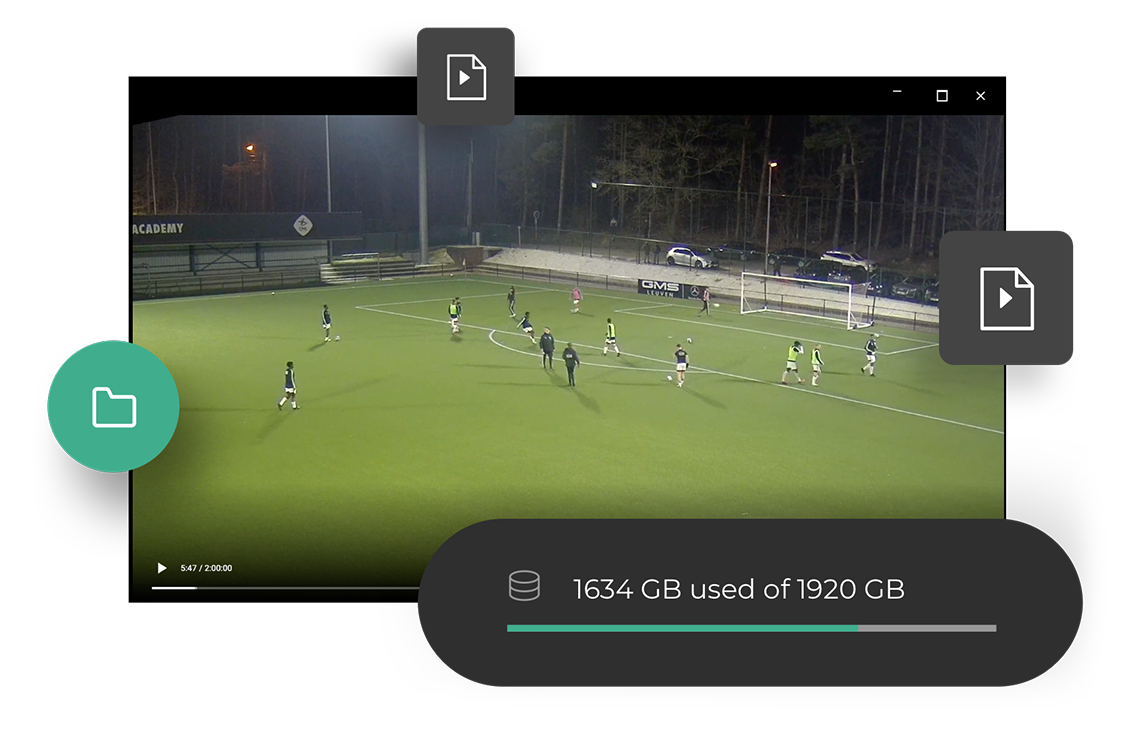
All recorded matches are stored in local database. The user can preview the source and exported video.

3. Local Storage
4. Manual Pan Tilt Zoom

4. Manual Pan Tilt Zoom

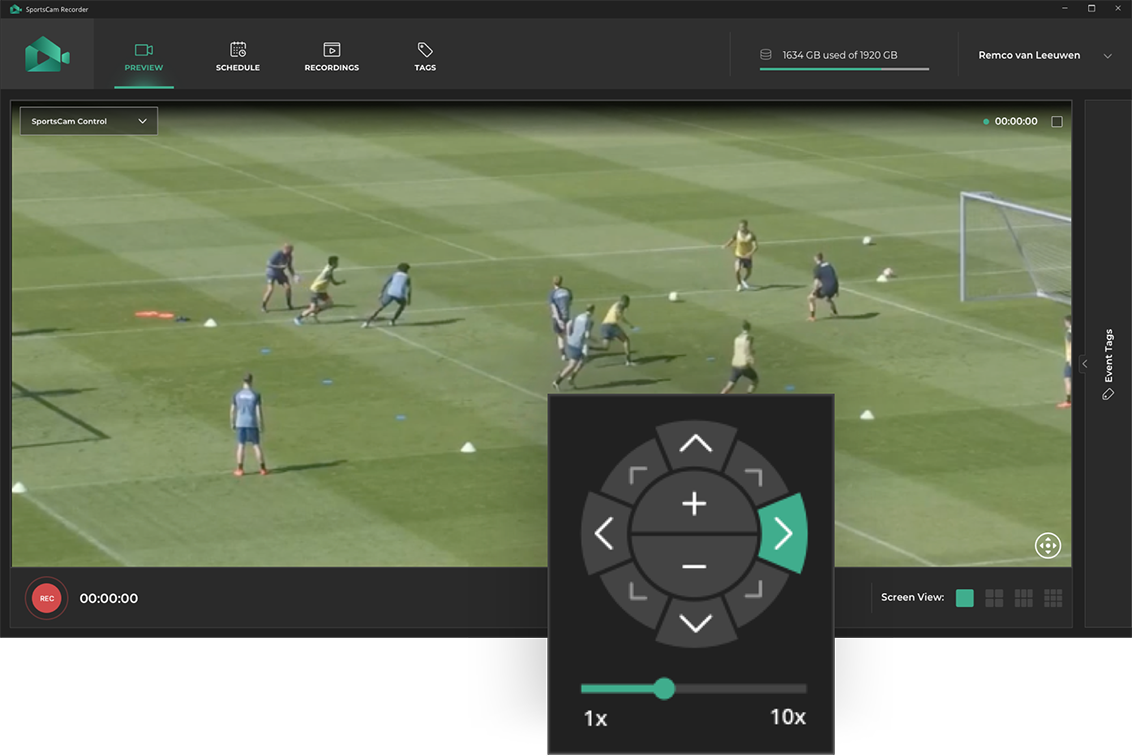
Set the camera to a specific area where there is a trainingsession with the Manual Pan, Tilt and Zoom option. The SportCam will be fixed to that area and you can record video with a fixed viewpoint.

5. Realtime Clipping

Creating and sharing clips in real-time to social media or mobile app.

5. Realtime Clipping
6. Create playlists / highlights

6. Create playlists / highlights

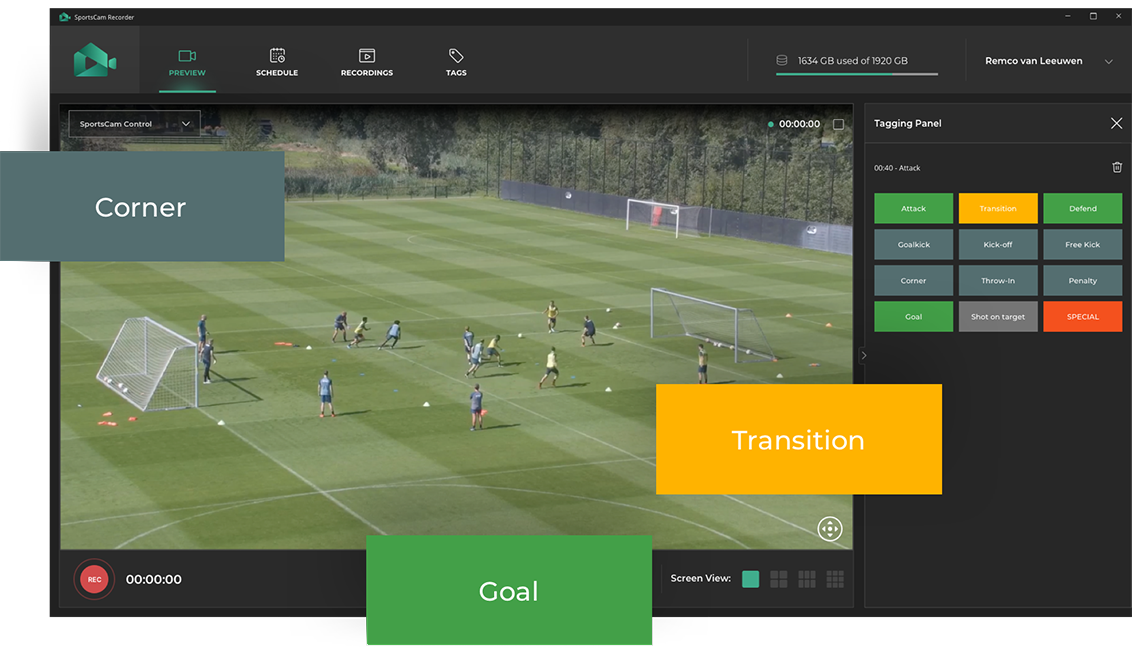
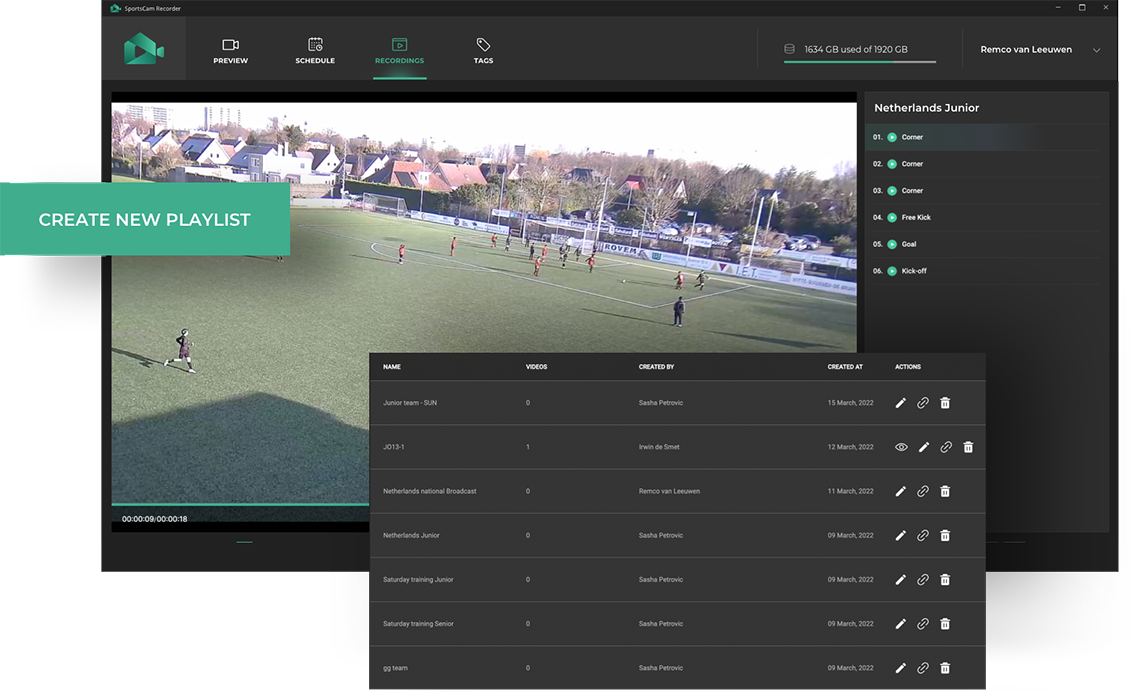
Create your own playlists from the key moments that you have tagged during the match to make a fast and easy access to it. Share all your important videos from goals, shots, turnovers with your team or player individually and analyze it together to enhance your game.

7. Export / Upload Videos to PlayStats

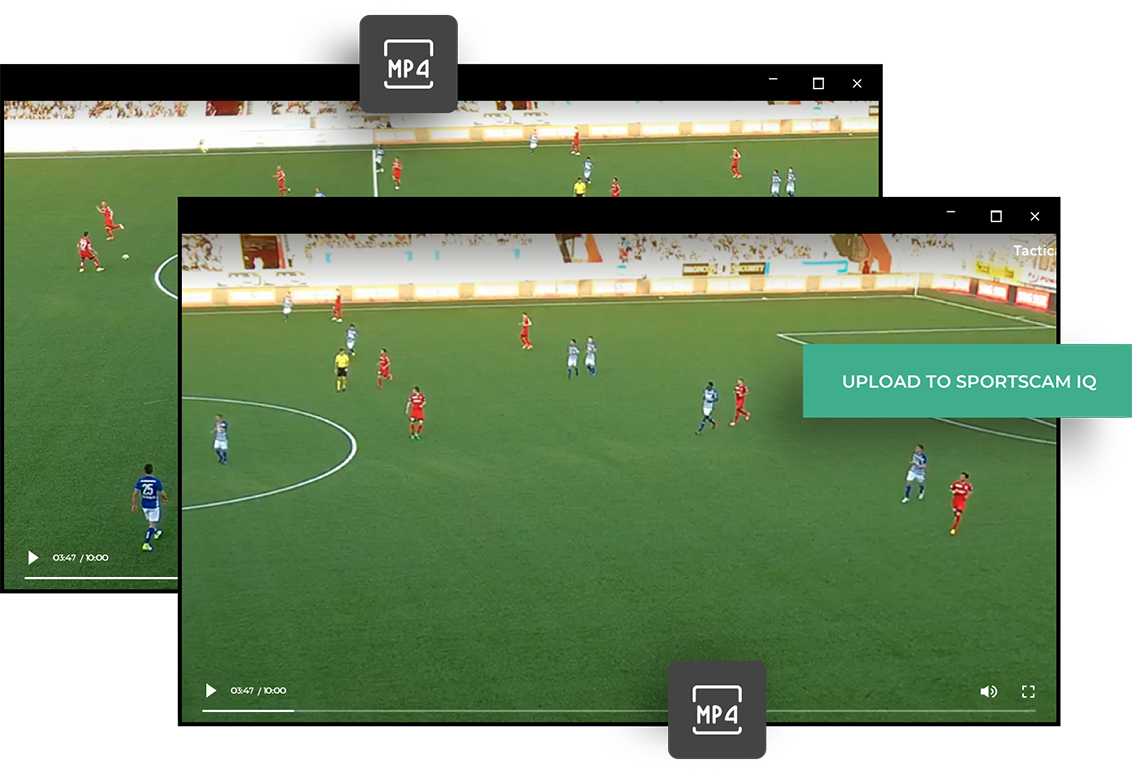
System provides video export in different formats and qualities. It is also able to generate video from a different view, which can be selected manually (see Manual zoom) or automatically (Tactical or Broadcast).

7. Export / Upload Videos to PlayStats

Download Free
White Paper